iOS (iPhone/iPad)
Using Safari, you can add Genjo to your home screen and use it like an app.
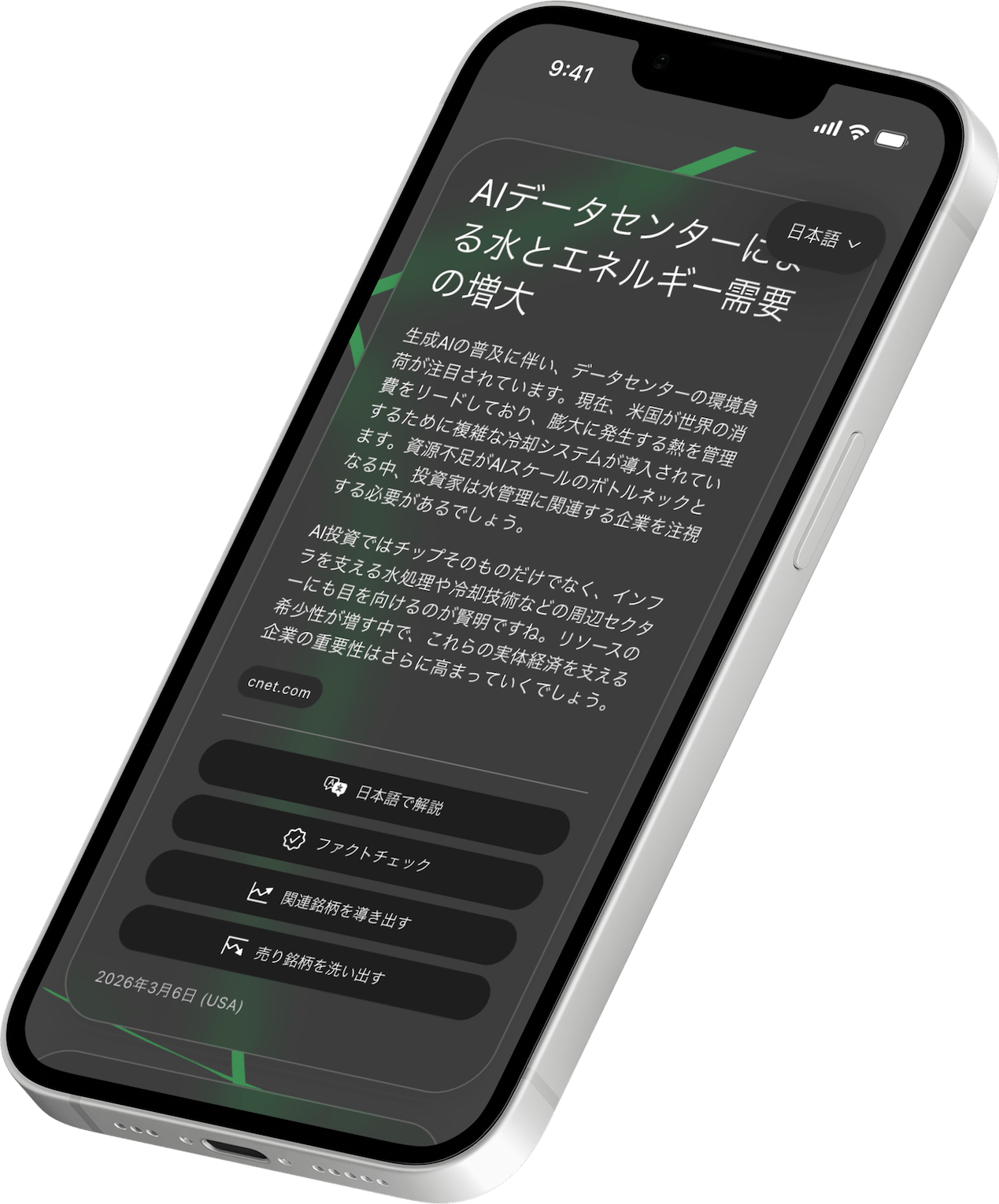
📲 Configuration Steps
- Open in Safari: Open Genjo's news list page in Safari.
- Tap the Share Button: Tap the share button (the icon with a square and an upward arrow) at the bottom of the screen.
- Add to Home Screen: Scroll down the menu and find and tap "Add to Home Screen".
- Complete Addition: Tap "Add" at the top right.
✨ Benefits of Using as an App
- One-tap Launch: Just tap the icon on your home screen to check the latest news immediately.
- Full-screen Display: Browser frames disappear, allowing you to read comfortably on a wide, app-like screen.
Now, the Genjo icon has been added to your home screen! From next time, you can launch it just by tapping the app icon.